Terms and Conditions
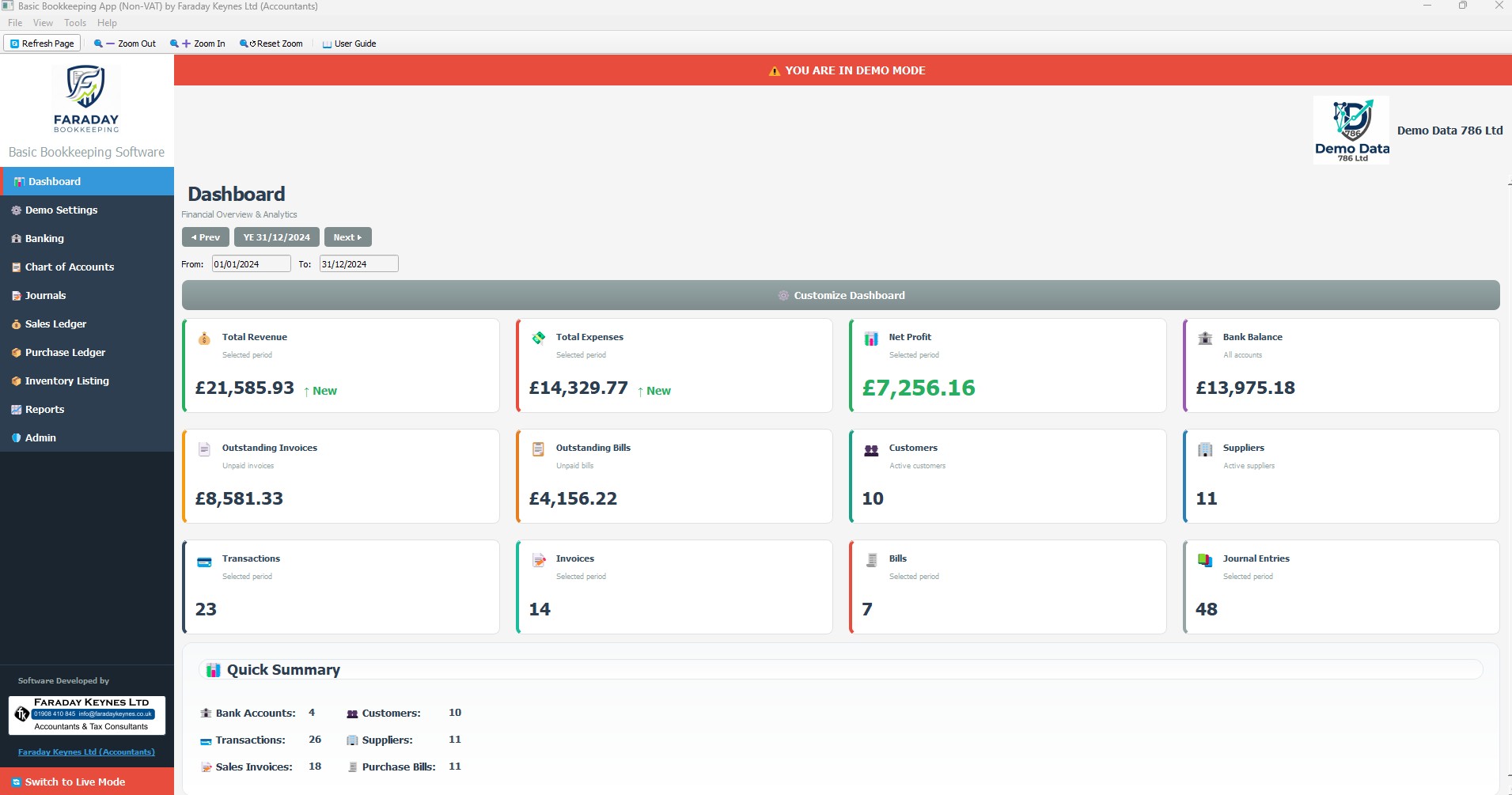
Software: Basic Bookkeeping App (Non-VAT)
Provider: Faraday Keynes Ltd (Accountants)
Last Updated: February 2026 | Version: 1.1 (Free License)
IMPORTANT NOTICE: This software is NOT compatible with HMRC Making Tax Digital (MTD). It is designed strictly for non-VAT registered entities. Use of this software does not constitute an accountant-client relationship with Faraday Keynes Ltd.
1. Introduction
These Terms and Conditions ("Terms") govern your use of the Basic Bookkeeping Software (the "Software"). By downloading or using the Software, you agree to these Terms. If you do not agree, you must cease use immediately.
2. License Grant & Restrictions
We grant you a non-exclusive, revocable license to use the Software for internal business bookkeeping. You may not: reverse engineer or attempt to extract the source code; use the Software to provide professional accounting services to third parties; use the Software if your business is required to be VAT-registered under UK law.
3. Intended Use & Eligibility
3.1 VAT Threshold
This Software is intended for UK small businesses and sole traders with a VAT-taxable turnover below the prevailing statutory VAT registration threshold (set at £90,000 for the 2025/26 tax year, but subject to future changes by HM Treasury). If your turnover exceeds the limit applicable at the time, you must migrate to MTD-compliant software.
3.2 No Professional Advice
The Software is a data-entry tool only. It does not provide tax or legal advice. Faraday Keynes Ltd has not audited or verified any data entered into this Software. We recommend consulting a qualified professional for statutory filings.
4. Data Responsibility
4.1 Local Storage & Backups
Your data is stored locally on your device. We do not have access to your data. Faraday Keynes Ltd cannot recover lost data resulting from hardware failure, theft, or accidental deletion. You are solely responsible for maintaining regular backups.
5. Limitation of Liability
THE SOFTWARE IS PROVIDED "AS IS." To the maximum extent permitted by law, Faraday Keynes Ltd shall not be liable for: loss of profits, data, or business opportunities; HMRC penalties or fines resulting from inaccurate record-keeping or failure to register for VAT/MTD; errors or bugs in the Software. Our total liability for any claim shall not exceed £100.
6. Governing Law
These Terms are governed by the laws of England and Wales. Any disputes shall be subject to the exclusive jurisdiction of the courts of England and Wales.
7. Contact Information
Faraday Keynes Ltd (Accountants)
Email: info@faradaykeynes.co.uk
Address: 7 Rock Farm Mews, Front Street, Wheatley Hill, Durham, DH6 3NG